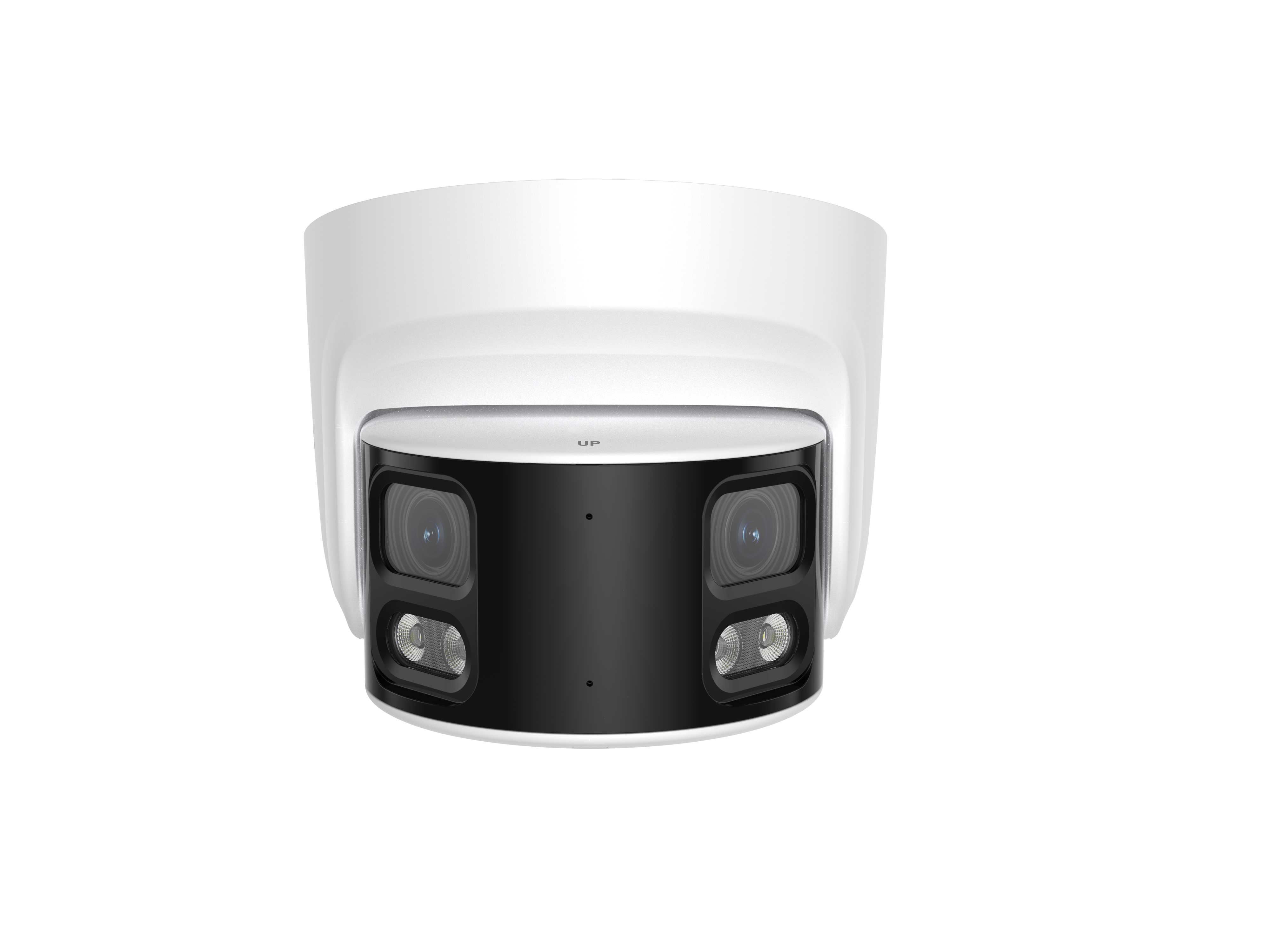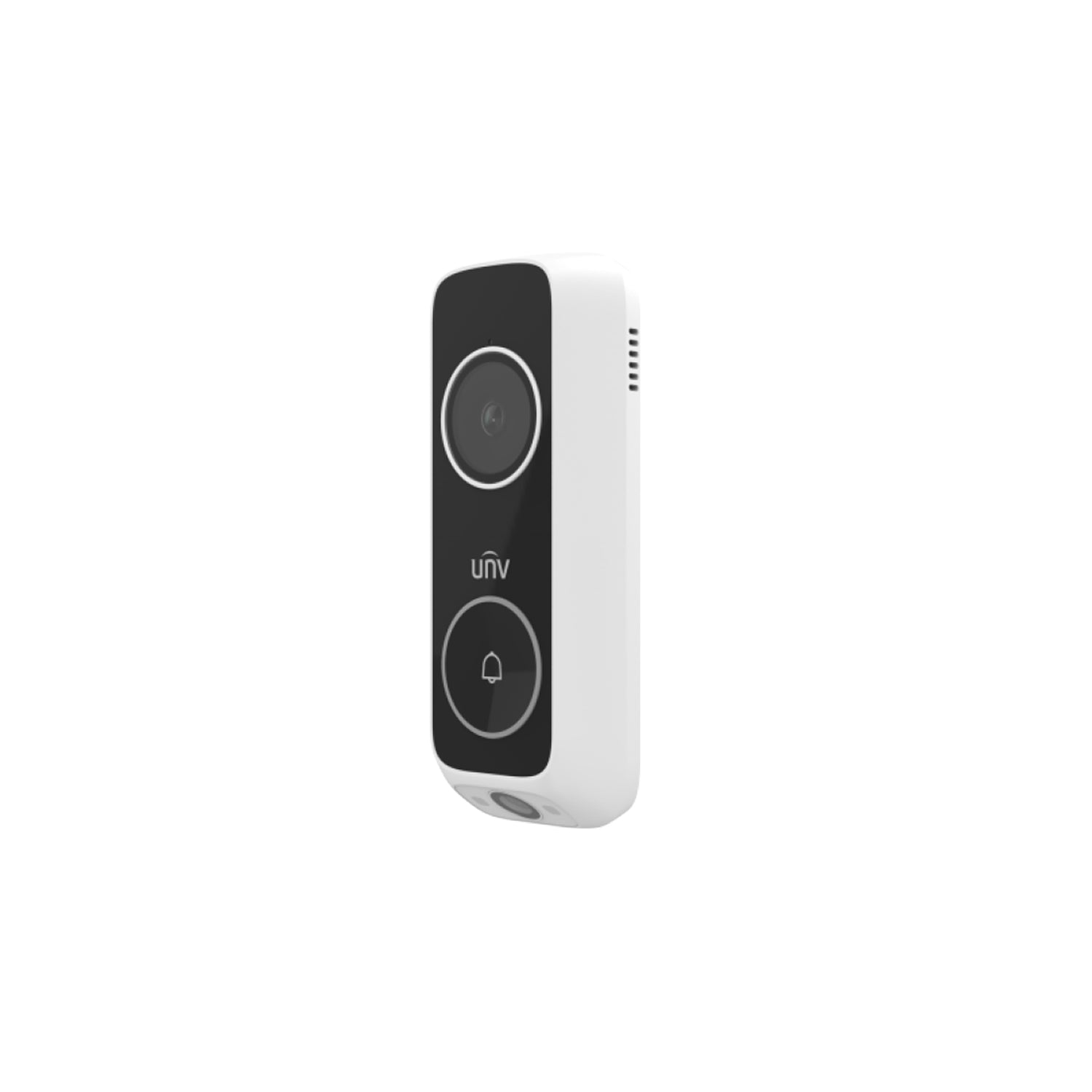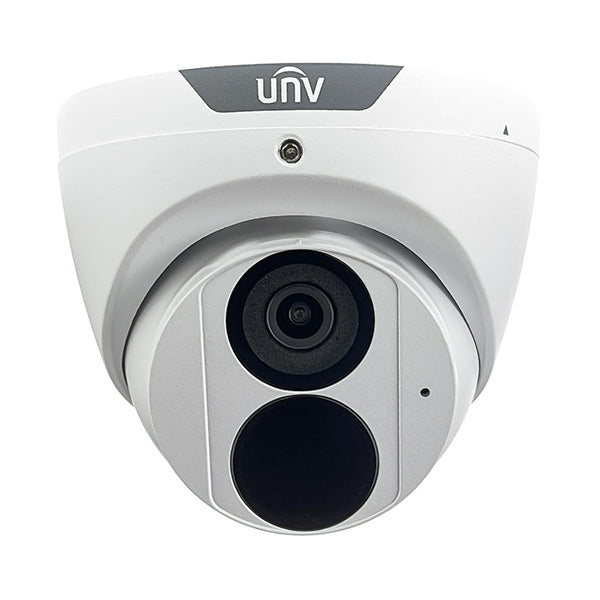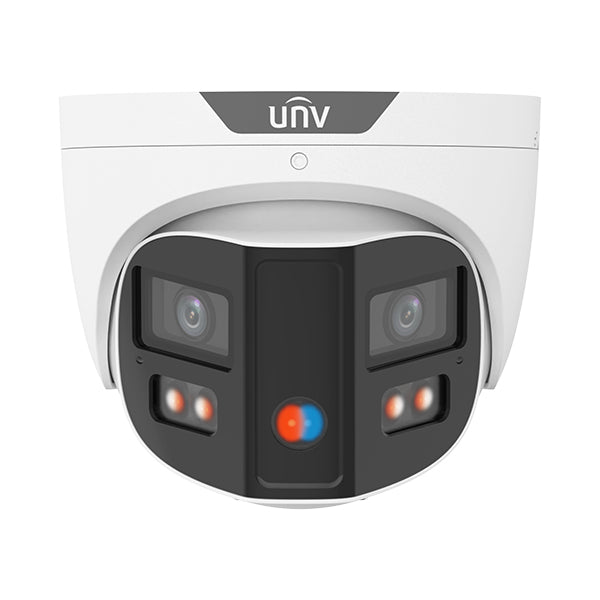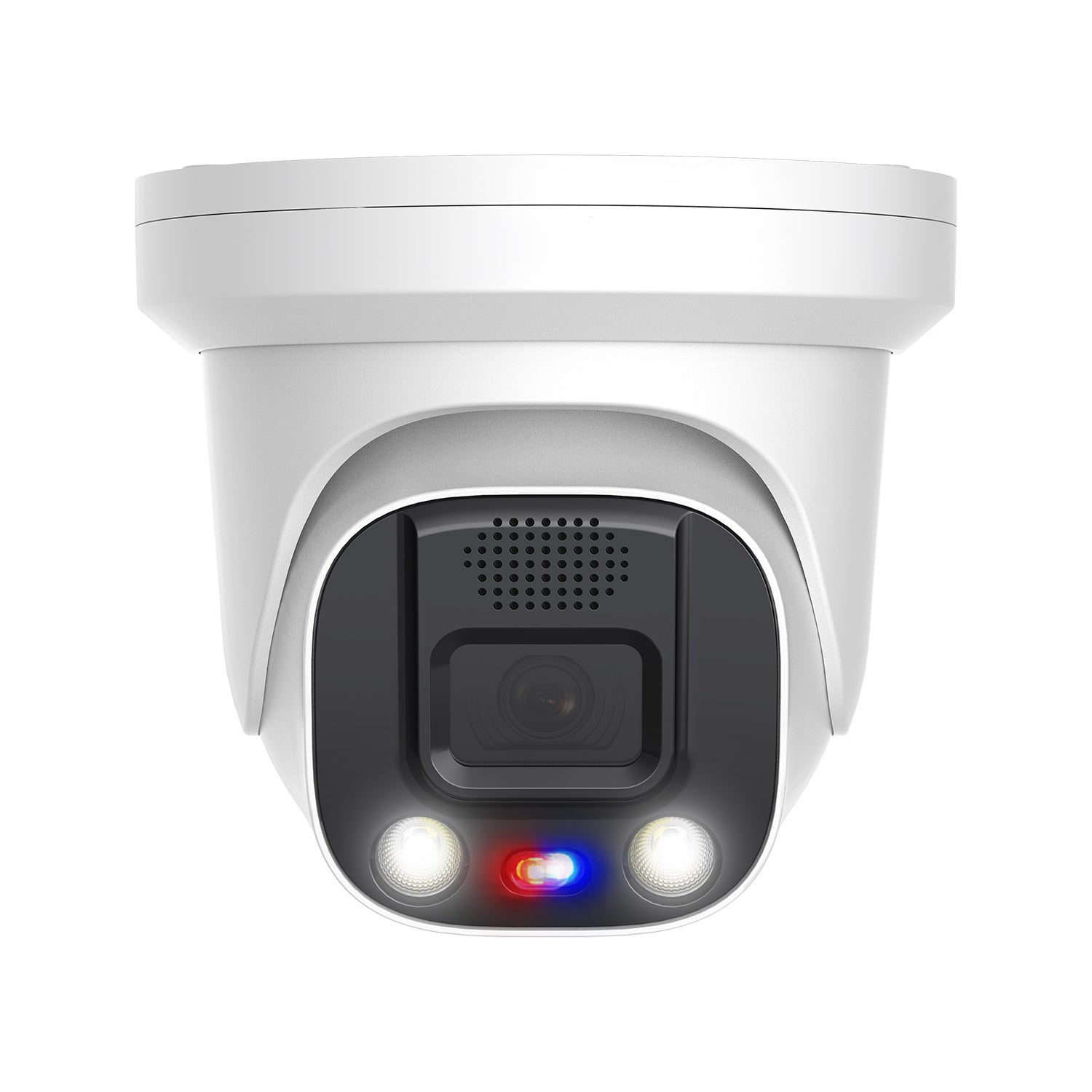

Have you ever tried reviewing footage from the night before, only to realize part of the image looks foggy, smudged, or washed out? Even worse, you finally notice the problem… and the camera is mounted 15 feet in the air.
Before you grab a ladder, take a step back.
In this guide, we’re breaking down the right way to clean security cameras, how often you should be doing it, and which cleaning methods actually work without damaging your equipment.
Why Cleaning Your Security Cameras Matters
If you want the clearest image possible, camera cleaning isn’t optional. Dirt, dust, smudges, and residue on the lens or dome can seriously degrade image quality, especially at night.
An 8MP camera doesn’t mean much if a small smudge prevents you from reading a license plate or identifying a face. Even minor scratches or residue on the lens or dome bubble can cause IR light diffusion, leading to haze, glare, or washed-out night footage.

Most vandal dome bubbles are made from clear plastics like polycarbonate (PC) or PMMA (polymethyl methacrylate). While these materials look like glass, they don’t behave like glass.
Traditional glass cleaners like Windex, Formula 409, or products containing ammonia or alcohol can permanently damage clear plastics. Over time, they can cause clouding, micro-cracks, or surface degradation that you won’t be able to clean away.
Preparing the Camera Before You Clean It
Before using any cleaner, the first step should always be removing loose debris.
Use compressed air or a blower to remove dust, dirt, or grit. Skipping this step can cause scratches if those particles get dragged across the surface during wiping.
For flat lenses like bullets, turrets, and most PTZ cameras, clean starting from the center of the lens and move outward in slow, circular motions. This reduces streaking and minimizes the risk of pushing debris back toward the center of the image.
Testing Different Camera Cleaning Methods
To really put cleaning methods to the test, we simulated some worst-case conditions using sticky residue, fine particles, and dirt. While most cameras won’t get this dirty in real-world installs, it’s a good way to see how different solutions perform.

Method 1: Electronic Screen Cleaner
Standard electronic screen cleaners can remove light dust and smudges, but they often struggle with sticky residue or heavy buildup. They’re typically best for quick touch-ups rather than deep cleaning. However, this handily defeated the mound of dirt we had caked on the lens. Surprising, and perhaps an unusual result that one shouldn't count on. Have a backup ready just in case.
Method 2: Isopropyl Alcohol
Isopropyl alcohol can be effective, but it’s risky on plastic domes. Repeated use can damage or cloud the surface over time, especially on vandal domes. This method should be used cautiously, if at all. We tested in on a turret camera, and even then it did not perform well.
Method 3: Brillianize Acrylic Cleaner
Brillianize performed the best overall. It removed residue effectively without damaging the plastic, making it a safer long-term solution for dome cameras and lenses. This is the only dedicated acrylic and plastic cleaner we tested, so it makes sense that it performed the best.
Is There a Way to Clean Cameras Without a Ladder?
Climbing a ladder just to clean a camera isn’t ideal. It takes time, adds risk, and isn’t always practical or possible.
There are pole-mounted camera cleaning kits available online that let you clean cameras from the ground. They’re popular and can save time, but some kits are pricey and don’t even include a handle.
We also tested a DIY alternative using basic materials to create a makeshift cleaning tool. While it’s not the most polished solution, it can work for lightly dirty cameras and save time on routine maintenance.
If you want to recreate it, we cut a hole in the bottom of a red solo cup and placed it on the end of a telescopic broom handle. Then we covered the cup in a microfiber cloth, taping the ends of the cloth to the base of the cup. That's it. You can spray the cloth with your preferred cleaning product (don't use a glass cleaner) and get to work right away.
This approach works best when cameras only have light dust or minimal residue. For heavier buildup from pollution, grease, or environmental exposure, traditional hands-on cleaning is still the better option.
Adding Extra Protection After Cleaning
Once your camera is clean, you can take things a step further by applying a protective coating.
Hydrophobic sprays or wax-based treatments can help repel water, dust, and debris, keeping lenses cleaner for longer. While not required, these coatings can reduce how often cameras need to be cleaned, especially in harsh environments.

How Often Should You Clean Security Cameras?
There’s no one-size-fits-all schedule.
Camera location, environment, and form factor all play a role in how quickly lenses get dirty. Industrial areas, busy roads, coastal environments, and high-pollution zones will require more frequent maintenance.
A good rule of thumb is to check footage every six months and clean cameras only when needed. If you’ve added a protective coating, you may be able to extend that interval even further.
Final Thoughts
Proper camera cleaning and upkeep helps you get the image quality you paid for and reduces long-term issues with night performance and clarity.
If you have questions, tips, or your own camera cleaning methods, let us know! Check out the YouTube video on our channel for more information!
Join our Dealer Program
Are you a security professional looking for a partner to help your business grow? We've designed a program specifically for your success.